Draw like on paper
Rectangles, diamonds, ellipses, arrows, free-hand strokes and text — all with the same sketchy hand, and a hand-written font to match.
 chalkdrawGet the app
Sketchy lines, a hand-written font, marker colours — the feel of a napkin sketch, with the tools of a real editor. In the cloud from the first stroke, and it draws your Mermaid and JSON for you.
Free for one whiteboard. chalkdraw+ from $2.99 a month.
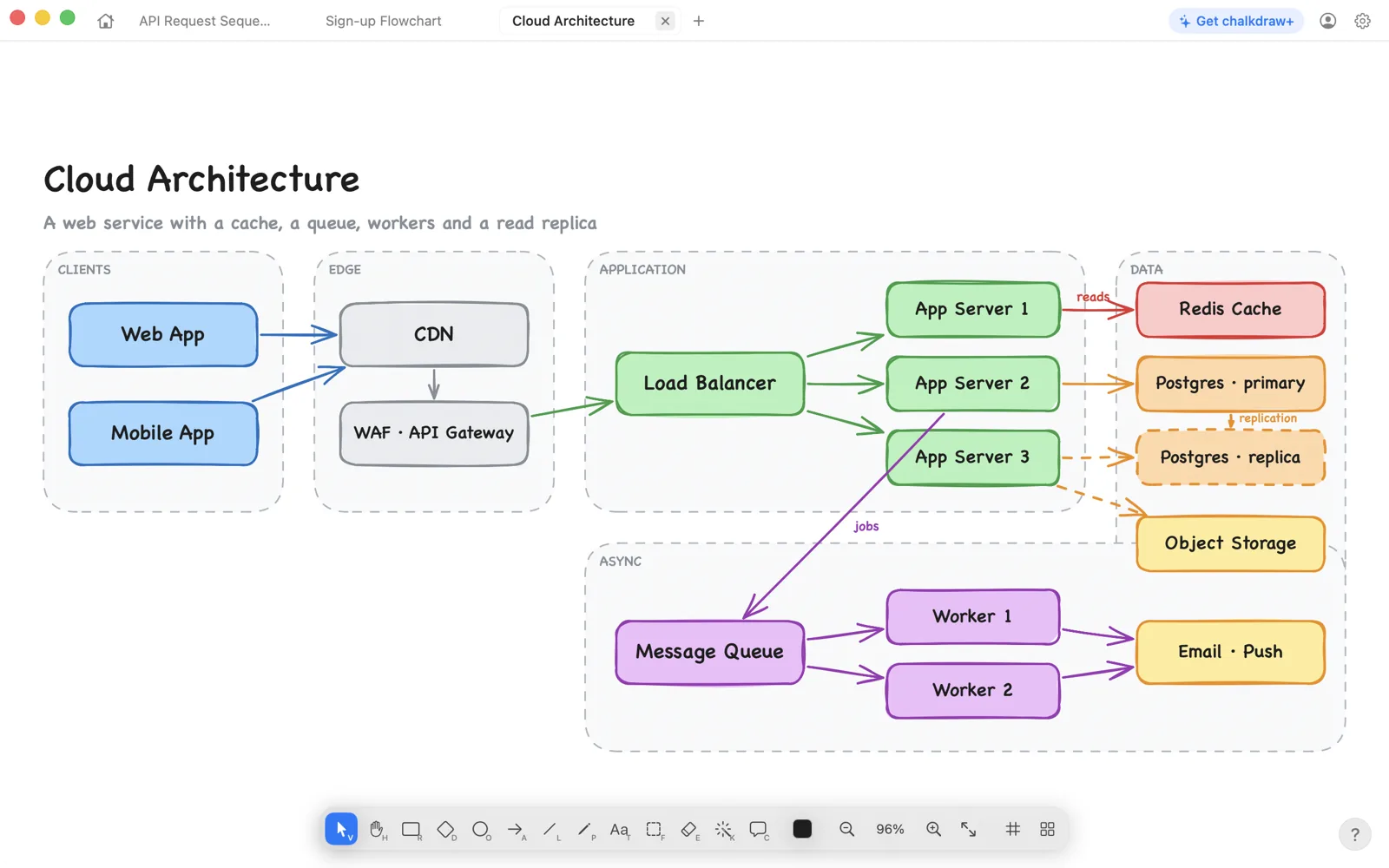
The look of a sketch, the manners of a native app.
Rectangles, diamonds, ellipses, arrows, free-hand strokes and text — all with the same sketchy hand, and a hand-written font to match.
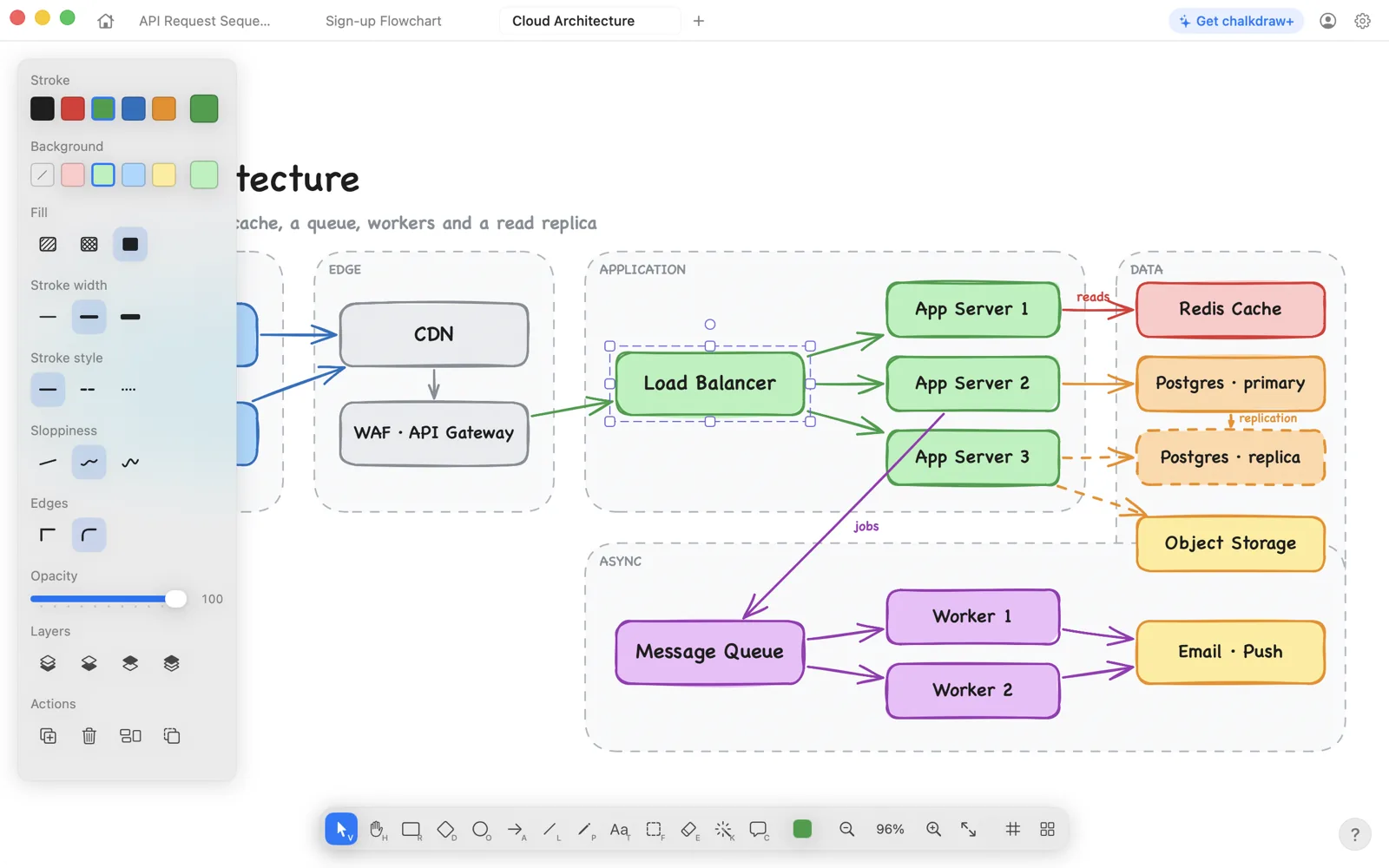
Bind an arrow to a shape and it follows the shape around. Snap to the grid or to neighbours, with guides that show the jump.
Gather part of a drawing into a frame, give it a name, and move it as one thing. Double-click any shape to write in it.
No files to manage. Your whiteboards are saved as you draw, with a dashboard of previews, folders, favorites and a 30-day trash.
Open whiteboards side by side in one window and drag the tabs into the order you like. Home is always the first one.
Paste a Mermaid flowchart or sequence diagram and it lands as shapes and arrows you can edit. Paste JSON and it opens up as connected cards, key by key.
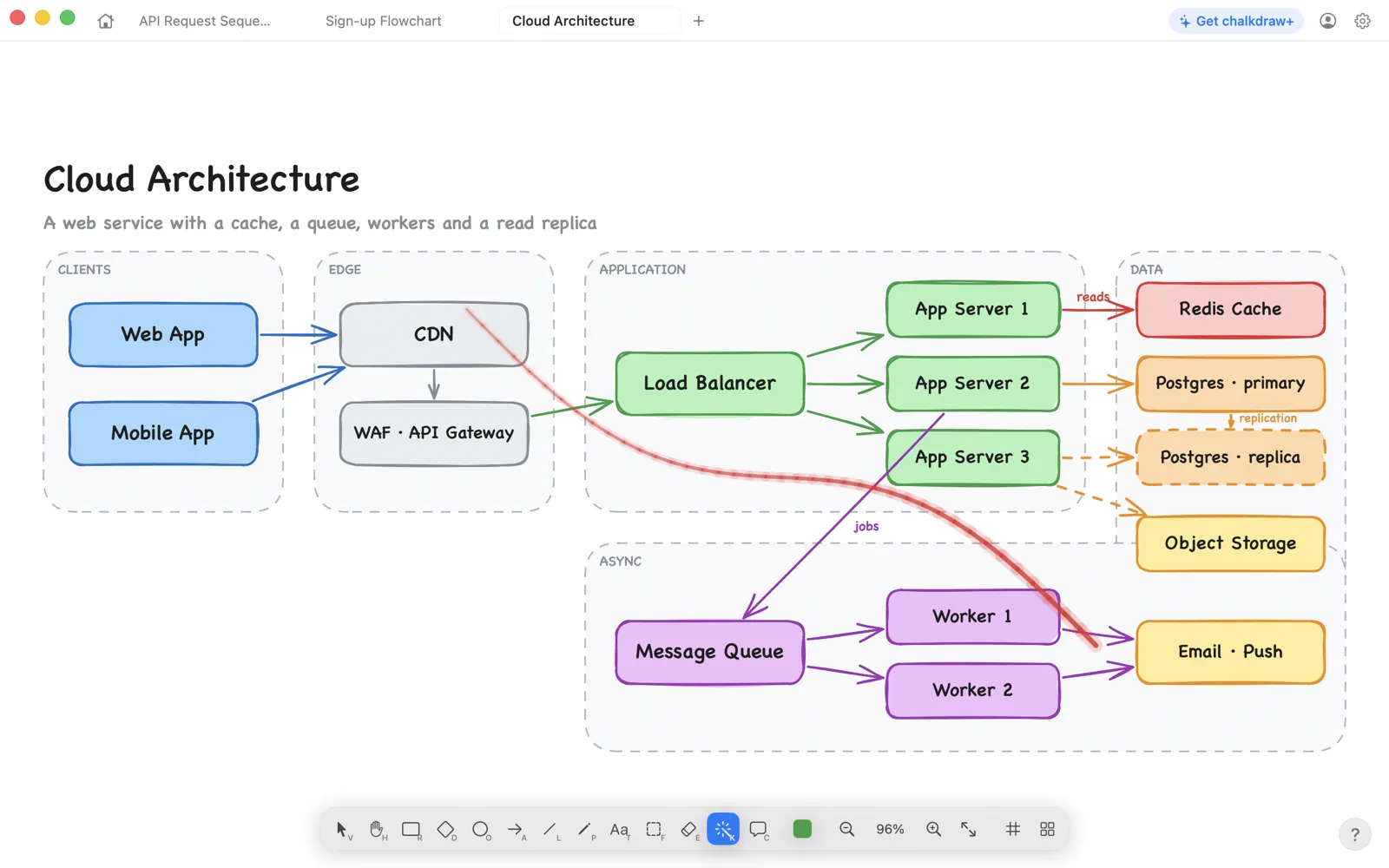
Point at things while you explain. The red trail fades as you go and leaves nothing on the page.
Share a whiteboard with a link — editors or viewers — and pin comments right on the drawing. Part of chalkdraw+.
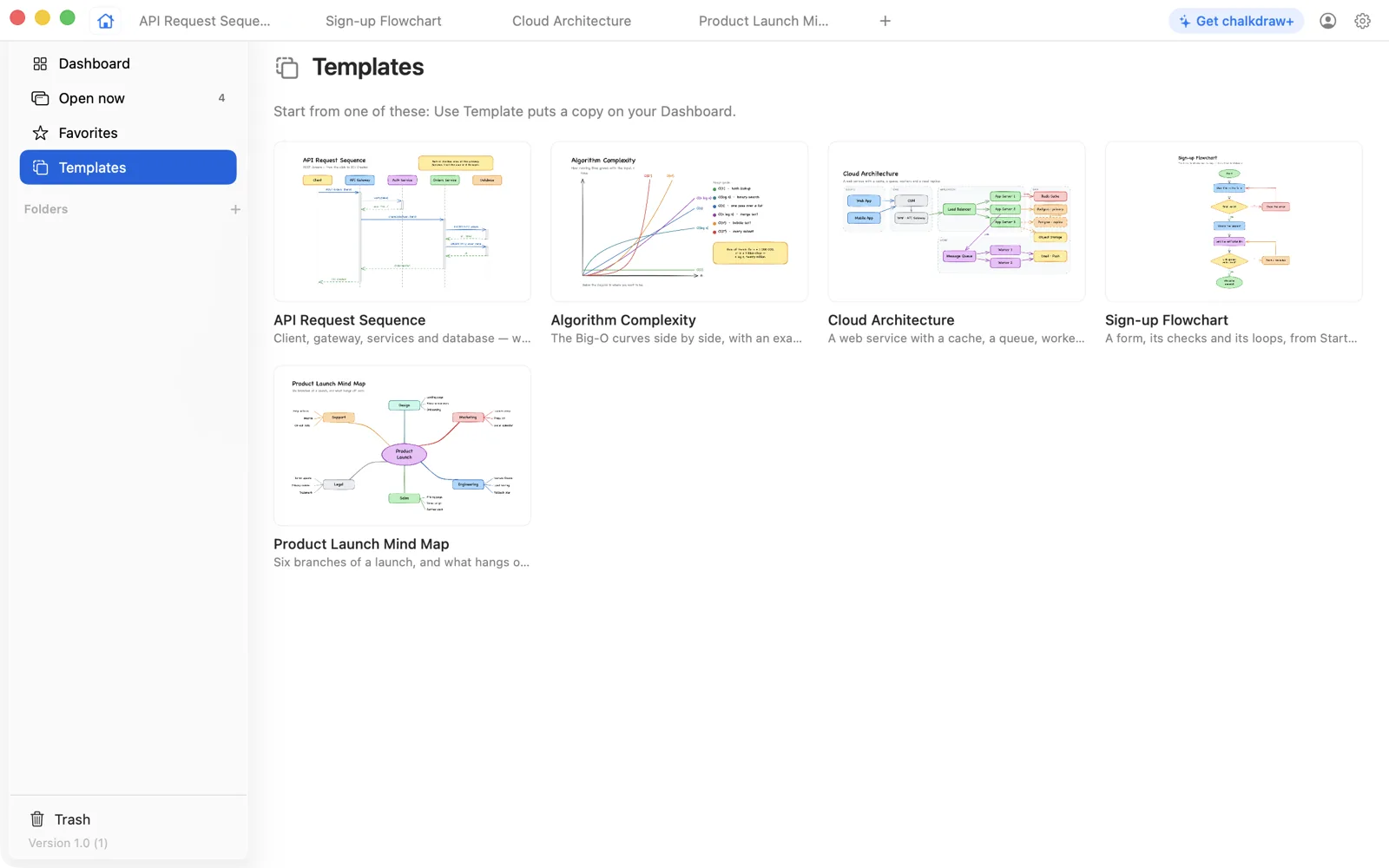
Every one of these ships with the app and is a copy away. They're also exactly what the app draws — exported by its own engine.



$0
forever
$2.99 / month
billed monthly, cancel any time
$19.99 / year
about $1.67 a month
$29.99 once
pay once, yours for good
Prices in US dollars; the App Store shows them in your currency. Subscriptions renew automatically unless cancelled at least 24 hours before the end of the period. Purchases are handled by Apple and follow its terms.
Yes. Paste Mermaid — a flowchart or a sequence diagram — onto the canvas, or open Insert ▸ Diagram, and it is drawn as real shapes, arrows and frames you can move and restyle. Paste JSON and every object becomes a card of its keys, connected to the cards nested inside it.
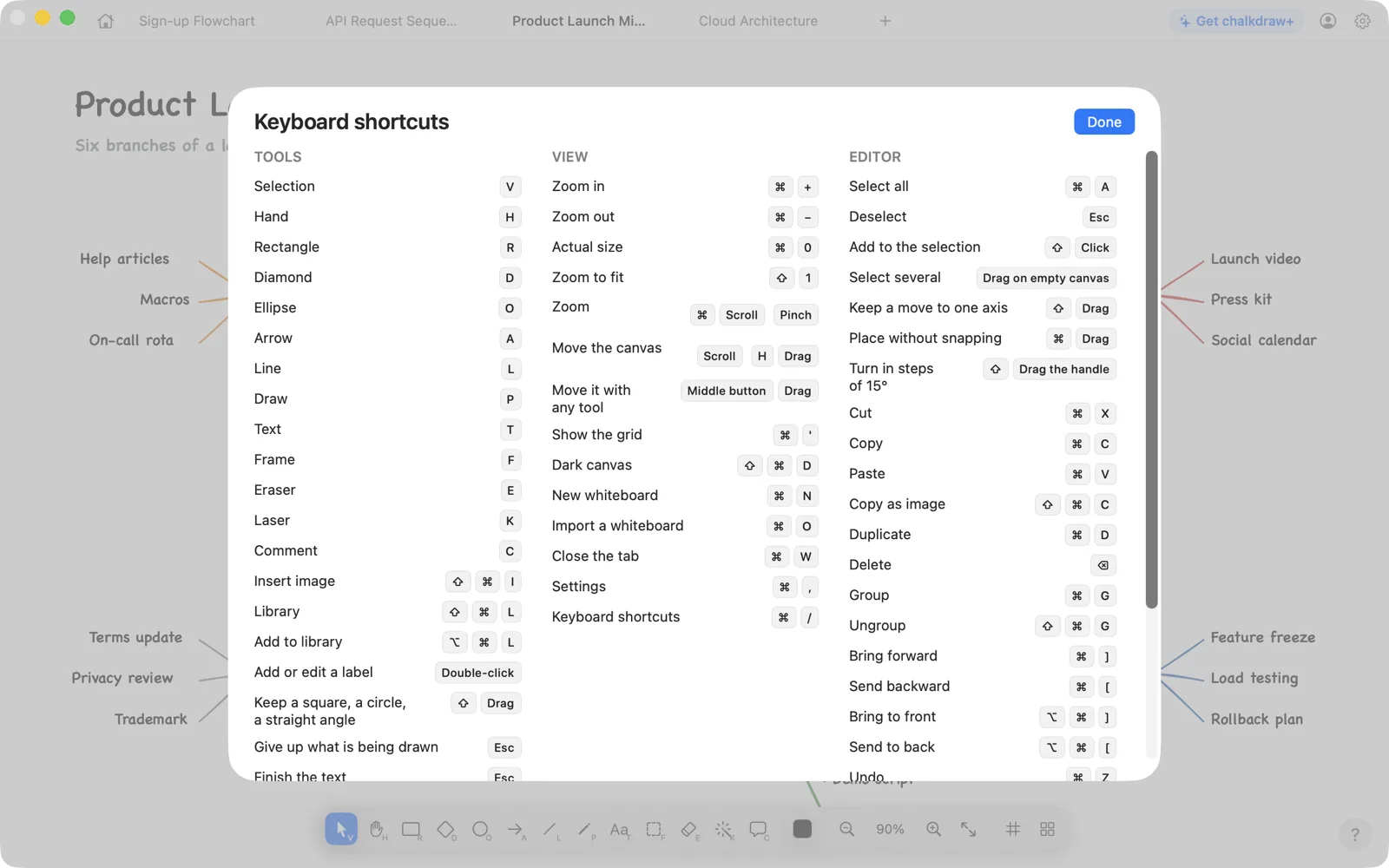
Fully. It's written in Swift and SwiftUI with its own Core Graphics engine — no web view. Keyboard shortcuts, menus, drag and drop and tabs all behave the way they do everywhere else on your Mac.
Not yet — it is next. The iPad app will open the same cloud whiteboards, with the Apple Pencil, and chalkdraw+ is one purchase for both, so it will be yours there too.
In the cloud, from the first stroke, tied to your account — a guest account made on first launch, or your Apple account once you sign in. Nothing lives only on one device; nothing needs saving.
One whiteboard, with every tool and every template, in the cloud on every Mac you sign in on. chalkdraw+ removes the limit and adds sharing by link and comments.
Purchases go through the App Store, so refunds follow Apple's policy — you request them at reportaproblem.apple.com.
Open it, draw the first box, and it's already in the cloud.